
Mod source guide
Home / Mod guide
Don't Sleep With The Fishes Mod: Is There a Safe Download?
Short answer: no official Don't Sleep With The Fishes mod download or compatibility statement is verified here. The official Steam page and the developer's itch.io page confirm the game, while the visible itch.io Windows files are version 1.1.4.4 as checked on September 22, 2026. Use this guide to separate a real source from a repacked archive, and to test a community claim without confusing a normal game event with a mod effect.
Search intent answer
What is actually verified?
If you searched for a Don't Sleep With The Fishes mod, the safest answer is a boundary rather than a download link. The official sources checked for this page show the Windows game and its current visible files, but they do not publish a mod installer, a mod API, or a third-party compatibility list. That means a page claiming “official mod,” “mod APK,” or a guaranteed 1.1.4.4 patch needs evidence that is not present in the first-party sources.
The useful next step is to identify what you want to change. If you want the base game, use the official download guide. If you want item or event information, use the wiki. If you want to test whether a rare night event is normal, start with the walkthrough and compare a clean run before changing files.
First-party evidence
What Steam and itch.io can prove
On September 22, 2026, the official Steam listing was reachable at the game's store URL, and the developer's itch.io project page was reachable at the DopplerGhost page. The itch.io page visibly lists Windows files labelled 1.1.4.4: a 218 MB ZIP and a 200 MB RAR. Those facts establish a source and a current file label. They do not prove that an unknown archive is safe or that a community patch works with that version.
The linked itch.io devlog is titled Version 1.1.4. It is a first-party update note, not a mod release page. Keeping that distinction matters because a search result can mix a game update, a community tweak, and a modified download under the same word “mod.”
| Source type | Useful evidence | Do not infer |
|---|---|---|
| Official Steam store | Game identity, publisher context, store features, requirements, and the normal purchase path. | That a third-party mod is approved or compatible. |
| Developer itch.io page | Visible Windows files, current file labels, project ownership, and release context. | That every mirror or repack uses the same files. |
| Version 1.1.4 devlog | A first-party update note and a date to compare with older community claims. | That it is a mod installer or an API specification. |
| Community post or video | A lead about a route, experiment, or tool someone says they tried. | Official status, malware safety, or reproducibility without a clean test. |
Identify the real game first
Start from the official game, not a mod landing page
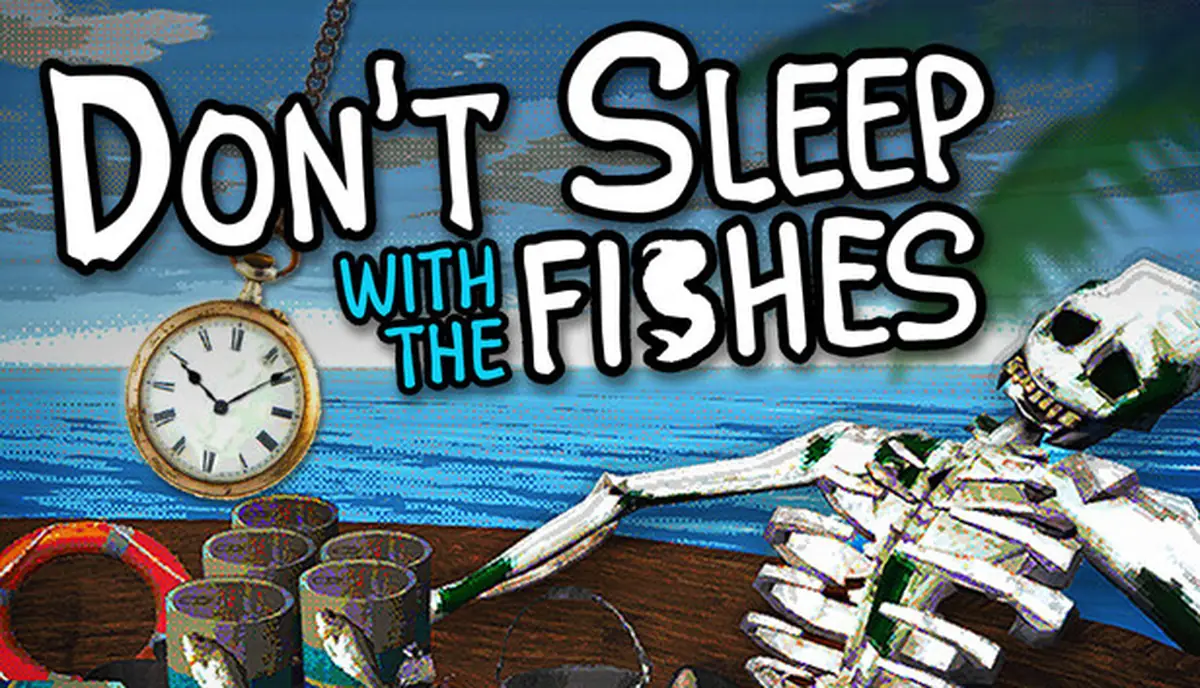
The Steam cover is a useful identity check when a download page uses a vague name or a cropped image. Compare the title, developer context, platform, and store destination before you trust any file claim. A page that uses the game name but redirects to an unrelated launcher has not established that it contains the same game.
This is also why “free,” “cracked,” “APK,” and “browser version” should not be treated as synonyms for mod. They describe a distribution claim, not a tested change to the game. Keep the official store or developer page open in a separate tab and treat every other page as unverified until its source can be explained.
Practical test
Five checks before you trust a mod claim
- Check the publisher path. Does the page lead back to Steam or the developer's itch.io project? A copied logo or game title is not enough.
- Record the exact file. Write down the archive name, version label, file size, date, and download host. If the page hides all of these, you cannot compare it later.
- Look for a real change description. A credible mod note should explain what changes, which game version it targets, how to undo it, and what happens when the change fails. “One click unlimited items” is a sales claim, not documentation.
- Keep a clean baseline. Run the official game once, note the day, items, companion, boat state, and event wording, then make one change. Random events can otherwise look like a mod effect.
- Stop at security pressure. Do not disable antivirus, install an unknown launcher, sideload an APK, or enter a store password into a mirror. A download is not worth losing the clean source trail.
Baseline before experiments
Do not mistake normal gameplay for a mod
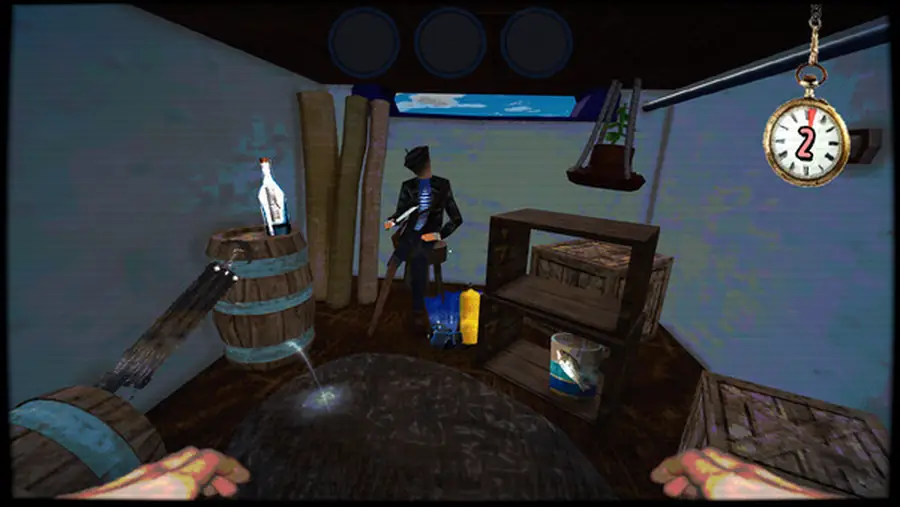
Don't Sleep With The Fishes already has a survival loop with inventory choices, companions, repairs, night events, and route variation. A rare item, a different event order, or an unusual ending can be a normal result of the game rather than evidence that a file changed it. The clean baseline is the fastest way to keep the claim testable.
For each run, record the official game version, day, companion, food, boat condition, light or signal items, and the exact event text. Compare the same state before and after one change. If a result cannot be repeated, label it as a lead instead of turning it into a guaranteed mod feature.
The same discipline helps with route pages such as endings and Message in a Bottle: a community note can suggest what to test, but it should not replace a reproducible run.
Download boundary
Where the official fallback belongs
This guide does not host files and does not publish a direct mod URL. For the game itself, use the official Steam store or the developer's itch.io project page. The current visible itch.io files checked on September 22, 2026 are Windows 1.1.4.4, ZIP 218 MB and RAR 200 MB. These are official page fallbacks, not a promise that any third-party modification is safe.
Do not use a torrent, APK, “free full version,” browser wrapper, or repacked installer as a substitute for a mod source. Those pages can change the distribution method without documenting what changed in the game. If a future developer release publishes an official mod framework, this page should be updated from that first-party announcement rather than from a search snippet.
Checked sources
Sources checked on September 22, 2026
- Steam store page - official game identity, store context, and Windows listing.
- DopplerGhost itch.io project page - developer page with visible 1.1.4.4 Windows ZIP 218 MB and RAR 200 MB files.
- itch.io Version 1.1.4 devlog - first-party update context, not a mod download.
- Unofficial community wiki - community lead only; not used as proof of an official mod.
FAQ
Don't Sleep With The Fishes mod FAQ
Is there an official Don't Sleep With The Fishes mod?
As checked on September 22, 2026, the official Steam and itch.io pages confirm the game and its Windows files, but they do not provide a verified mod download or mod compatibility statement.
Where should I download the game?
Use the official Steam store page or the developer's itch.io project page. This guide does not recommend mirrors, APK pages, torrents, or repacked installers.
Does version 1.1.4.4 guarantee mod compatibility?
No. Version 1.1.4.4 is the current visible Windows file label checked on the developer's itch.io project page, not a compatibility promise for an unverified third-party mod.
How can I test a mod claim safely?
Start from an official copy, keep a clean save backup, record the exact file and version, change one variable at a time, and stop when a page asks you to disable security tools or use an unknown launcher.
Is there a Don't Sleep With The Fishes mod APK?
No official Android mod APK is verified here. Treat APK and mobile-port claims as unsupported unless the developer publishes a first-party source.