Pause
Stops or changes visible input only if the current menu actually freezes the state. Verify the clock and energy.
 Fishes Guide
Pause, save, and end-day guide
Home / Pause timer guide
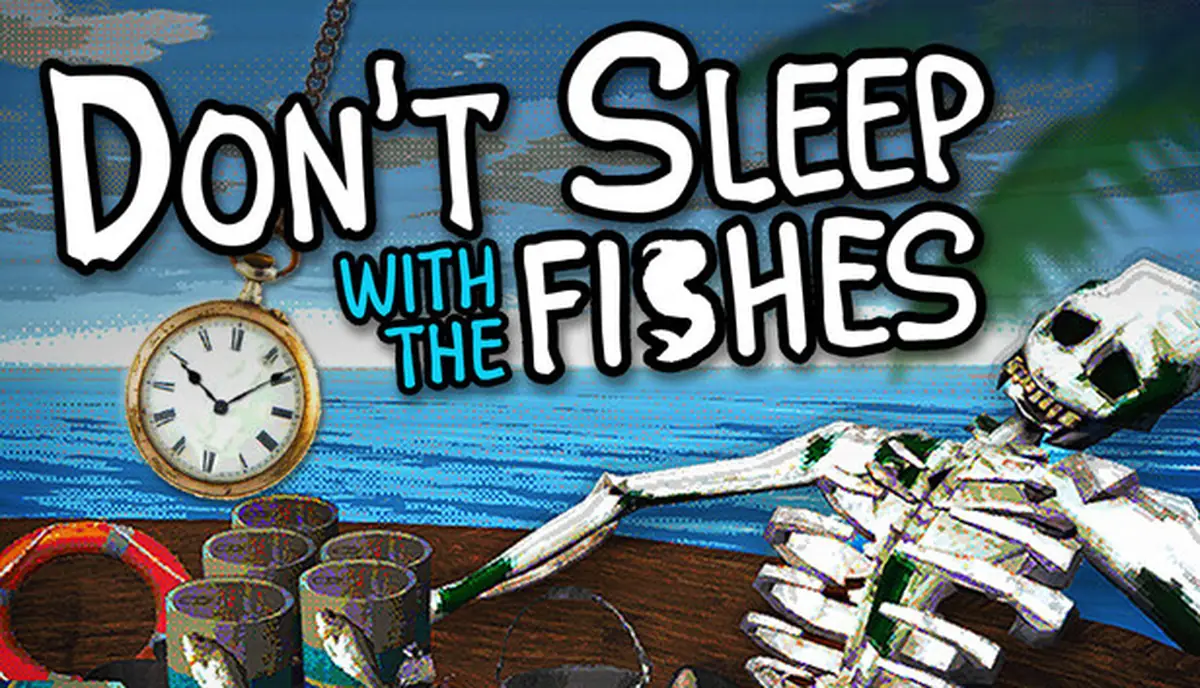
The safest answer to “Don't Sleep With The Fishes pause timer” is to separate three states: a menu pause, a saved checkpoint, and the action that ends a day. Public store pages do not promise that one key or menu stops every timer, so this guide gives you a repeatable test before you trust a pause during evacuation or a night event.
Quick answer
Start with a conservative rule: pause only when the game visibly enters a menu state, and do not assume the evacuation clock, energy, event state, or input focus behaves the same way in every build. Steam and the developer’s itch.io page describe the survival loop, but the pages reviewed for this guide do not publish a complete pause-timer specification.
That evidence gap does not make the question useless. It tells you how to test it. Use a disposable run, write down the visible day and timer, pause for a fixed interval, then compare the timer, energy, inventory, and event prompt. A second repeat is more useful than a confident sentence copied from a video.
Stops or changes visible input only if the current menu actually freezes the state. Verify the clock and energy.
Writes progress only through a real save action or checkpoint. A paused screen is not proof that a file changed.
Advances the survival loop and can trigger events. Treat it as a deliberate commitment, not a quit shortcut.
Controlled test
Run this test before using pause to answer a timed search, a fog decision, or a night event. Keep the test separate from a route attempt so an unknown menu behavior does not contaminate an ending or achievement run.
| Step | Action | Record | What it tells you |
|---|---|---|---|
| 1. Start disposable | Use a new run or a backup you can abandon. | Build source, version label, day, companion | Whether the result belongs to the current build |
| 2. Freeze the state | Stand still with no event choice pending; note the visible timer and resources. | Timer, energy, hunger, health, boat condition | A baseline for comparison |
| 3. Pause briefly | Open the normal menu for a fixed interval, then return. | Start and end time; menu label | Whether input and visible time changed |
| 4. Compare | Check the same HUD, inventory, and prompt before moving. | Timer delta, energy delta, item changes | Which state, if any, continued |
| 5. Repeat | Run the same pause test once more before drawing a rule. | Second result and any difference | Whether the behavior is repeatable |
If the menu closes but a day or event advances, label the result “not a full pause” in your notes. If nothing visibly changes, label it “observed pause” rather than promising that hidden timers or autosaves also stopped. This wording keeps a player-facing answer honest when the game receives an update.
Three states
A pause question is about time and input. A save question is about persistence. An end-day question is about the game’s next state. Mixing them creates the most common false shortcut: a player pauses during a timed search, closes the window, and later assumes the run was safely written.
Use the save game location guide when you need to locate or back up a file, and use the survival walkthrough when you need a route priority. Neither page should be treated as proof that a pause menu writes a save. Make one small change at a time, then confirm the result after reopening the same build.
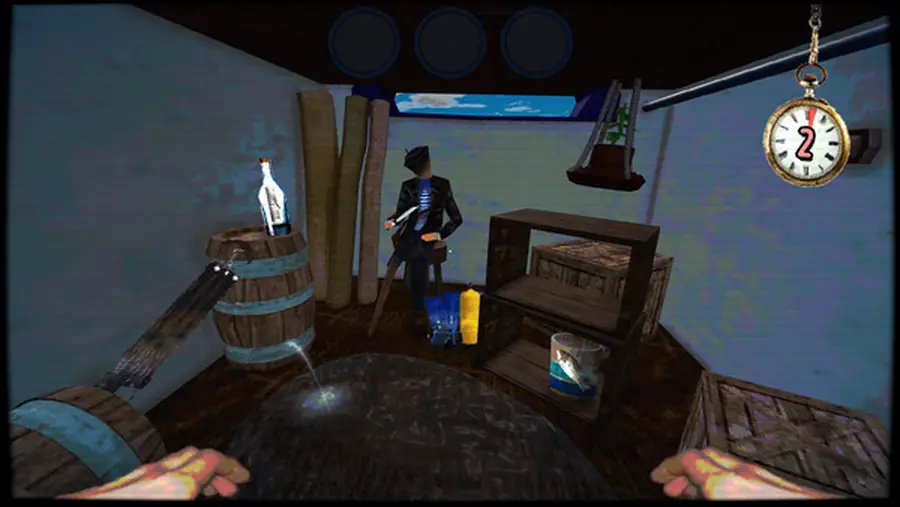
For a timed evacuation, the best stop is usually the lifeboat or another clearly completed action. Do not spend the final seconds opening menus, changing a companion, or testing an unknown item. The practical goal is to protect a reproducible run, not to win an argument about an undocumented keybind.
Safe quit routine
When you are finished with a session, make the exit itself boring and repeatable. A safe quit routine protects the evidence you need for both a save-location check and a pause-timer check.
Daily loop
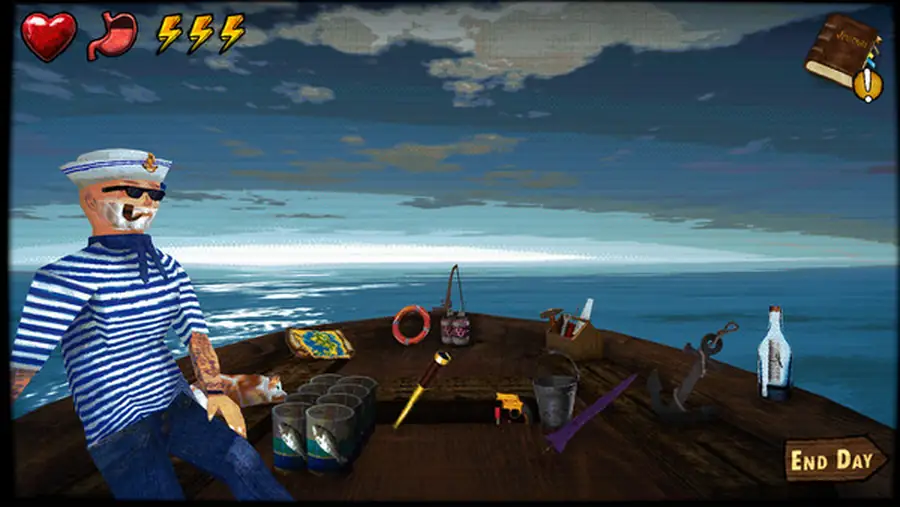
The game’s pressure comes from the whole loop: a fast opening search, resource choices, night events, crew decisions, and possible endings. A pause can help you read a prompt, but it cannot supply food, repair a damaged boat, or create a signal item that you did not preserve.
Before you end a day, ask three plain questions: what can end the run tonight, which resource answers that category, and what evidence do I need to record? The existing events guide is the right place for event categories and test notes. This page owns the boundary between a menu pause, a save, and a day transition.
If a pause is inconsistent, stop using it as a timing strategy. Protect a flexible item, keep a small food margin, and retry the experiment on a disposable run. A slower but repeatable method beats a fast route built on an undocumented assumption.
Common mistakes
You may have opened an overlay rather than a full game pause. Repeat the fixed-interval test and compare the visible day, energy, and event state.
Input focus can return to the game when a controller, window, or click changes. Record the exact input and test with one device.
A paused screen is not a save confirmation. Close normally, search by modified time, and keep a dated backup before editing anything.
Random events or a different build may be responsible. Keep the companion, day, inventory, and version stable before comparing runs.
Sources and limits
The official Steam store page and the developer’s itch.io page establish the game’s access and broad survival context. They do not publish a universal pause-key, hidden timer, autosave, or Windows save-folder guarantee. This guide therefore reports a test method and observed-state vocabulary instead of inventing a control rule.
FAQ
The public official pages reviewed here do not document a universal rule. Test the current build in a disposable run and compare timer, energy, inventory, and event state before relying on the menu.
No. A pause changes input or visibility; a save writes progress through a real save action or checkpoint. Confirm the file or reopened state separately.
Treat it as risky until tested. Finish the visible action, return to a stable menu state, and use the normal quit path instead of forcing the window closed.
Use a short fixed interval that you can repeat, such as the same count of seconds on two attempts. The exact duration matters less than recording the before and after state.
The official pages reviewed here do not publish one universal Windows path. Follow the save-location guide and confirm a candidate file changes after a controlled save.
Do not assume either outcome. Keep pause experiments separate from an ending attempt and record the build, companion, resources, and visible result.
Summary
The useful answer to the pause-timer query is a boundary: a menu pause, a saved checkpoint, and ending a day are different operations. Test them on a disposable run, compare the visible state twice, record the current build, and keep high-stakes routes separate from experiments. When the behavior is unknown, protect food, boat condition, and a flexible event answer first.
Advertisement